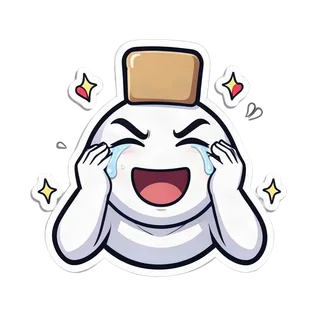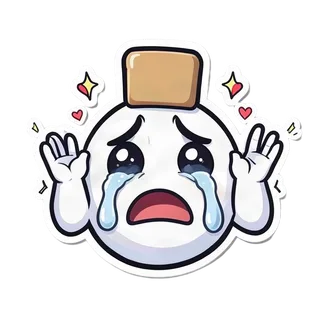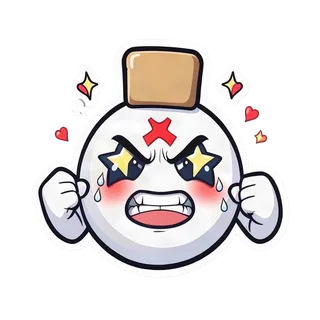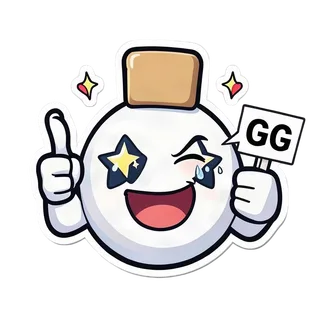
Twitch Emote Maker

Design a full set of custom emotes for your channel: same character, different reactions, in Twitch's three sizes plus a 128 pixel file for Discord.

New accounts get 2 free credits, enough for one character. Then from $4.99 for 60 characters, no subscription.

Example emote sets

Real emote sets from this maker, unedited: one character, six expressions, on transparent backgrounds. Each emote cost 2 credits.

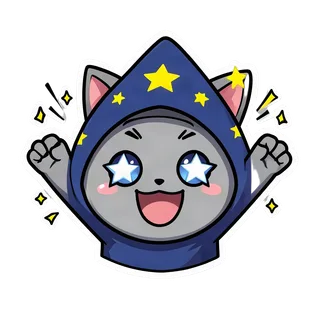
  • Blinko: Hype

    Hype

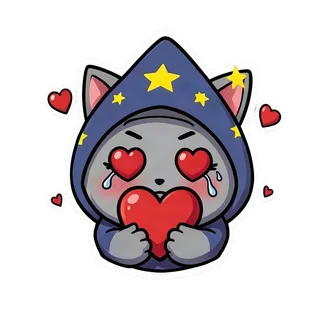
  • Blinko: Love

    Love

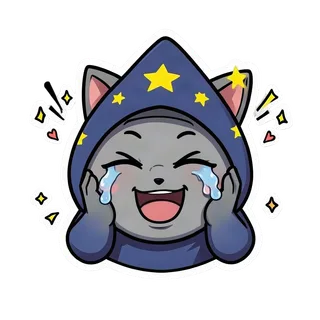
  • Blinko: Laugh

    Laugh

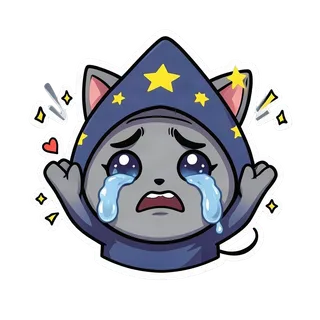
  • Blinko: Cry

    Cry

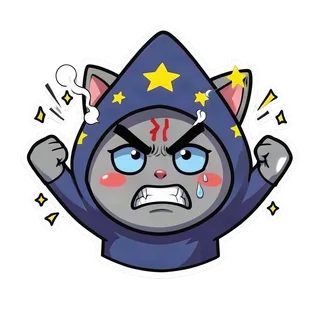
  • Blinko: Rage

    Rage

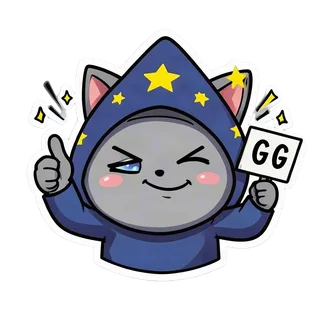
  • Blinko: GG

    GG

Prompt: “A round grey cat mage in a dark blue hood covered in stars”

Blinko

Short-furred Feline · 4 · Arcane Apprentice
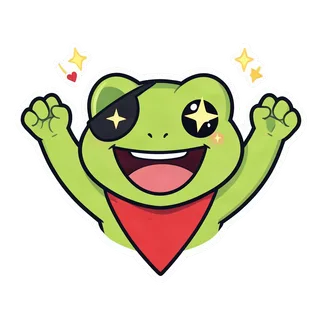
  • Barnaby Gulp: Hype

    Hype

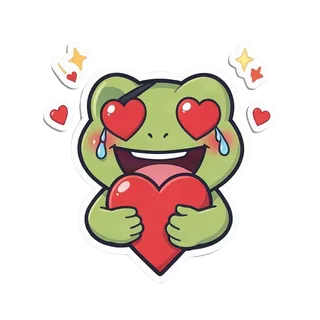
  • Barnaby Gulp: Love

    Love

  • Barnaby Gulp: Laugh

    Laugh

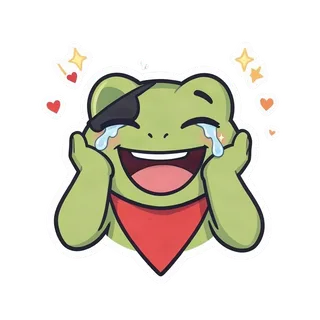
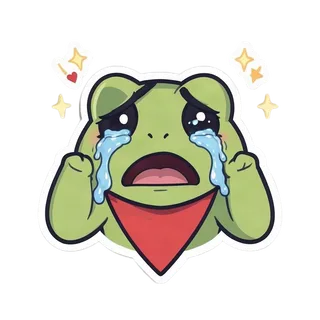
  • Barnaby Gulp: Cry

    Cry

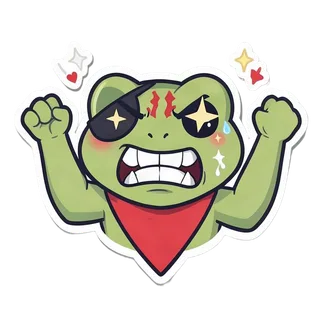
  • Barnaby Gulp: Rage

    Rage

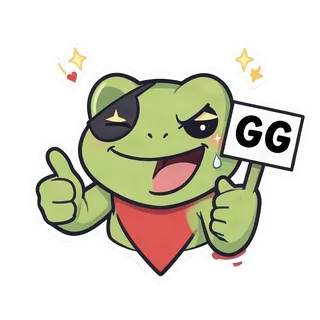
  • Barnaby Gulp: GG

    GG

Prompt: “A tiny green pirate frog with an eyepatch and a red bandana”

Barnaby Gulp

Tree Frog · 3 · Deckhand of the Marsh-Skimmer

  • Crumb-0: Hype

    Hype

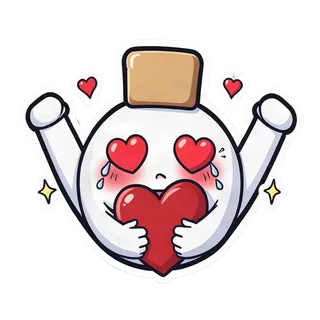
  • Crumb-0: Love

    Love

  • Crumb-0: Laugh

    Laugh

  • Crumb-0: Cry

    Cry

  • Crumb-0: Rage

    Rage

  • Crumb-0: GG

    GG

Prompt: “A small white robot with a heart on its chest and a slice of toast for a hat”

Crumb-0

Service Automaton · Recently activated · Cafeteria Mascot

How to make Twitch emotes

  1. Choose your character. Use your VTuber or OC from My Characters, or describe a new one (a mascot, your pet, a little creature).
  2. Pick expressions. Hype, love, laugh, cry, rage, GG, wave, sip, lurk, thinking, or write up to four of your own.
  3. Generate the set. The first emote is drawn from your description, and the rest are redrawn from it with instructions to keep the same hair, colors, outfit and line weight, so they look like a matching collection.
  4. Download. Get transparent PNGs at 112, 56 and 28 pixels for Twitch, plus 128 pixels for Discord, all in one ZIP.

Why emotes made here read well in chat

Emotes are tiny. At 28 pixels, details disappear and only shapes and colors survive. The emote maker is tuned for that:

  • Big heads and simple bodies so the expression is the focus
  • Thick outlines that stay visible on both light and dark chat themes
  • Exaggerated expressions you can read at a glance
  • Transparent backgrounds made by a background removal model, so check the edges at 100% before you upload

Emote ideas for your channel

  • Sub emotes: a heart, a hype face, a wave and a "GG" are the classic starter set
  • Channel jokes: turn your community's running gags into emotes
  • Seasonal emotes: holiday hats, spooky versions, summer sunglasses
  • Pet emotes: your cat or dog as a cartoon emote is always a favorite

Twitch emote maker settings, with real values

  • Character: describe a new one in up to 500 characters, leave it empty for a random character, or pick a saved one from My Characters.
  • Expressions: ten presets, with hype, love, laugh, cry, rage and GG on by default. Your own expressions can be up to 60 characters each, such as "facepalm" or "eating popcorn".
  • Price: 2 credits per emote. If one fails, its credits come back and you can try it again.
  • Output: each emote is drawn at 1024 x 1024 and cut out to a transparent PNG. The ZIP has folders for 112, 56, 28 and 128 pixels, plus a text file with the character's profile.

Good inputs for an AI emote maker

Short and specific works best, because the design has to survive at 28 pixels. Try one big feature and one prop.

  • A round orange cat mascot with a tiny wizard hat
  • A sleepy ghost in an oversized hoodie
  • A frog knight with a dented helmet

For your own expressions, name the gesture as well as the feeling. "Facepalm" or "holding up a tiny white flag" gives the drawing more to work with than "sad".

What this emote maker doesn't do

  • It has no upload box, so it can't resize or redraw art you already have.
  • It has no GIF export, so it doesn't make animated emotes.
  • It doesn't export the 18, 36 and 72 pixel sizes Twitch uses for subscriber badges.
  • It scales the whole image without trimming empty space or sharpening. If an emote looks small or soft at 28 pixels, crop it in an image editor and upload that file.
  • Emotes can't be drawn from a photo here. Describe your pet or mascot in words instead.

Frequently Asked Questions

What size are Twitch emotes?

Twitch emotes are square images at 28, 56 and 112 pixels. Twitch accepts one PNG from 112 to 4096 pixels under 1 MB and resizes it, or three files you size yourself, each under 100 KB. The emote maker exports all three sizes of every emote it draws, so you don't need a separate emote resizer for those.

Can I make Twitch emotes for free?

You can try it free. A new account gets 2 free credits and each emote costs 2, so the free credits cover 1 emotes of one character. A full set of 6 emotes uses 12 credits, more than the free credits, so for a full set you need a credit pack or a subscription.

Can I use these emotes on Discord, YouTube and Kick?

You can upload the PNG files to any platform that accepts PNG emotes at these sizes, so check that platform's current rules first. Every emote has a 128 pixel version labeled for Discord, in the ZIP and in its download menu. We don't export sizes made for YouTube or Kick.

Is this an AI emote maker?

Yes. An AI model draws each emote from your description. You don't need to draw anything, but you do need a free account to generate.

Can I upload my own image and resize it?

No. The tool only exports emotes it draws. For your own art, Twitch's upload form has a free auto-resize option that takes one square PNG.

Can I make animated Twitch emotes here?

No, there's no GIF export. Twitch's Easy Animate takes a static square PNG from 112 to 4096 pixels under 1 MB and applies a preset animation, on channels that have animated emote slots.

Can I use these as subscriber badges?

Not as exported. Twitch asks for 18, 36 and 72 pixel PNGs of 25 KB or less, so you'd need to resize the design yourself.

Do I own the emotes I create?

Yes. Emotes you generate are yours to use on your channels. See our Terms of Service for details.

Can I make emotes of a character from a game or anime?

Please don't. The emote maker is built for original characters. It doesn't block those names, but its writing step is told to make a new character with only broad traits instead of copying an existing one, so the result may not look like what you asked for. Twitch's rules also prohibit emotes that violate someone else's copyright or trademark, and rights holders can ask for removal. Whether an emote is safe to upload is your call.

What can I make for free?

  • Signing up: Every tool needs a free account. Signing up is free, takes a few seconds with Google or your email, and needs no card.
  • When you sign up: 2 free credits, exactly one standard character. They never expire.
  • Always free: Character profiles on the OC Generator and the Random Character Generator (up to 30 an hour), the Fantasy Name Generator, and 3 backstories a day on the Backstory Generator.
  • Credits per tool: standard character 2, HD character 4; chibi, VTuber avatar, one emote or one PNGTuber frame 2 each (a set of 6 emotes is 12, a full PNGTuber set of 8 frames is 16); fursona reference sheet 3; AI names with meanings 1.
  • What a credit costs: Prices next to the buttons are worked out at the Pro yearly plan, our lowest price per credit: 1 credit is about $0.017, so a standard character is about $0.03 and an HD character about $0.07. Monthly plans and credit packs cost a little more per credit.
  • Nothing to lose: A failed or blocked generation never costs credits.
  • Commercial use: Allowed on every plan, free credits included, as set out in our Terms of Service.