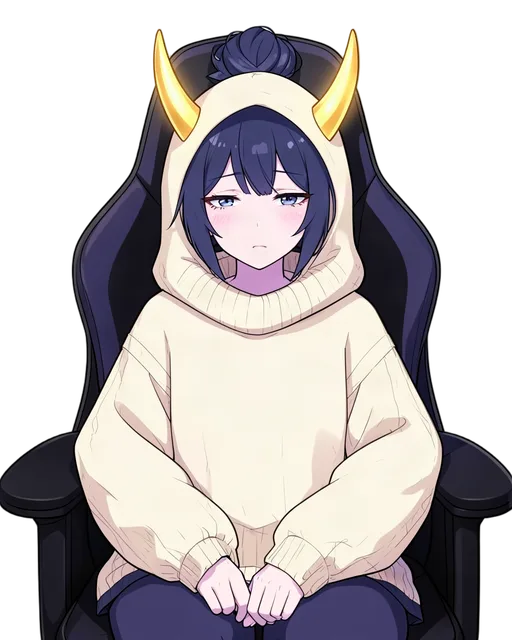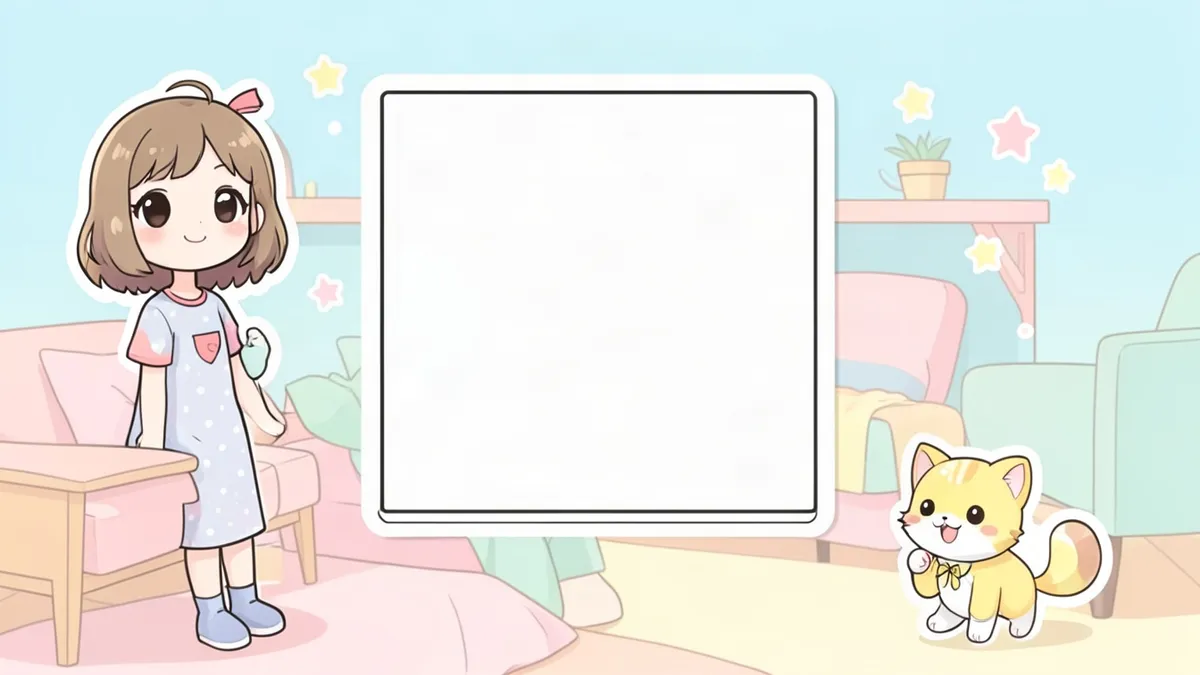
VTuber assets are all the graphics around your model: the room behind you, the frame around your game, the "starting soon" screen, your emotes and the props your character holds. A model with nothing around it looks like a test. The right assets make it look like a channel. This checklist covers what you need on day one, what can wait and how to use free VTuber assets without breaking anyone's terms.
The VTuber assets checklist
Needed for your first stream
- A background for talking streams
- A simple overlay or frame for game streams
- A "starting soon" screen and an ending screen
- A profile picture and a channel banner
Nice to have in the first month
- A "be right back" screen
- Alerts for follows and subscriptions
- Three to five emotes
- A VTuber logo
- Info panels for your channel page
Later
- Animated transitions between scenes
- Model add-ons such as props, hats, alternate outfits and seasonal accessories
- Subscriber badges
VTuber background
Your background is what viewers stare at for hours during chatting streams, so it deserves more thought than any other asset.
- Size. Match your stream canvas. For a 1080p stream that's 1920 by 1080 pixels.
- Static or animated. A still image is fine. A looping animation with drifting dust, rain on a window or a flickering lamp feels more alive, and costs more to make or buy.
- Leave space for the model. Keep the area where your character stands calm and low in detail. Busy patterns behind the face make expressions harder to read.
- Match the light. If your model is shaded with soft warm light, a cold neon room will make it look pasted on. A slight blur on the background helps the model stand out.
- Fit the lore. A witch needs a cluttered study. A robot needs a workshop. The room tells your story before you speak.
Most streamers end up with a small set: a main room, a night version of it and one or two seasonal looks. A spooky VTuber background in October, with candles, cobwebs and a purple sky, is an easy way to make a familiar channel feel like an event. Keep it cozy and avoid gore so clips stay safe to share anywhere.
Overlays and screens
An overlay frames your gameplay and gives your model a spot to sit, usually a lower corner. Keep it thin. The game is the content.
Screens are full-frame scenes for the minutes when you aren't live on camera: starting soon, be right back and ending. Put your name, your schedule and your social handles on them. Use the same two or three colors as your character so everything looks related.
Emotes and badges
Emotes are tiny, so they need big heads, thick outlines and one clear emotion each. Start with a happy one, a laughing one, a crying one and a greeting. The Emote Maker draws a matching set from one character and exports the sizes chat platforms ask for.
What is a VTuber base?
A VTuber base is a blank template you design on top of. People use the word for two different things:
- A drawing base. Line art of a bare, front-facing body in the neutral pose a model needs. You draw your hair, face and outfit over it. Bases come in different builds, including masculine, feminine and chibi body types, so pick one close to your character.
- A model base. A pre-rigged, plain model that you customize with your own textures, hair and clothes. It saves most of the rigging work.
Both kinds have rules set by the base maker. Typical ones: credit the maker, don't resell the base itself, and check whether a model built on it can be used on monetized streams.
How to use free VTuber assets safely
Artists share free backgrounds, overlays, props and bases on asset marketplaces and their own pages. Before you download, read the terms for these five things:
- Commercial use. Is a monetized stream allowed?
- Credit. Does the artist want a name or link in your channel description?
- Edits. May you recolor or crop it?
- Redistribution. Sharing the files is almost never allowed.
- Exclusivity. Free assets are used by many channels. That's fine for a BRB screen and less ideal for your main room.
Save a copy of the terms with the file. If an asset has no stated terms, ask or skip it.
Make your assets match your character
The quickest way to look polished is consistency. Pull your colors from your model's palette, repeat one motif (stars, paw prints, gears) across the overlay, screens and panels, and use one or two fonts everywhere.
If your character is still an idea, design it first. The VTuber Maker produces front-facing character art and a color palette you can build every other asset around. For the bigger picture of getting started, see how to become a VTuber.
FAQ
What assets does a VTuber need to start?
A background, a simple overlay, a starting soon screen, an ending screen, a profile picture and a banner. Emotes, alerts, a logo and model add-ons can come in the first few weeks.
What size should a VTuber background be?
Match your stream resolution. For a 1080p stream, use 1920 by 1080 pixels. Keep the area behind your model simple so the character stays easy to read.
Are free VTuber assets safe to use on monetized streams?
Only when the artist's terms allow commercial use. Check for credit rules and edit rules too, and keep a copy of the terms with the file.
What is a VTuber base used for?
A drawing base gives you a blank body in the neutral pose so you can design a character over it. A model base is a plain pre-rigged model you customize. Both come with the maker's usage rules.