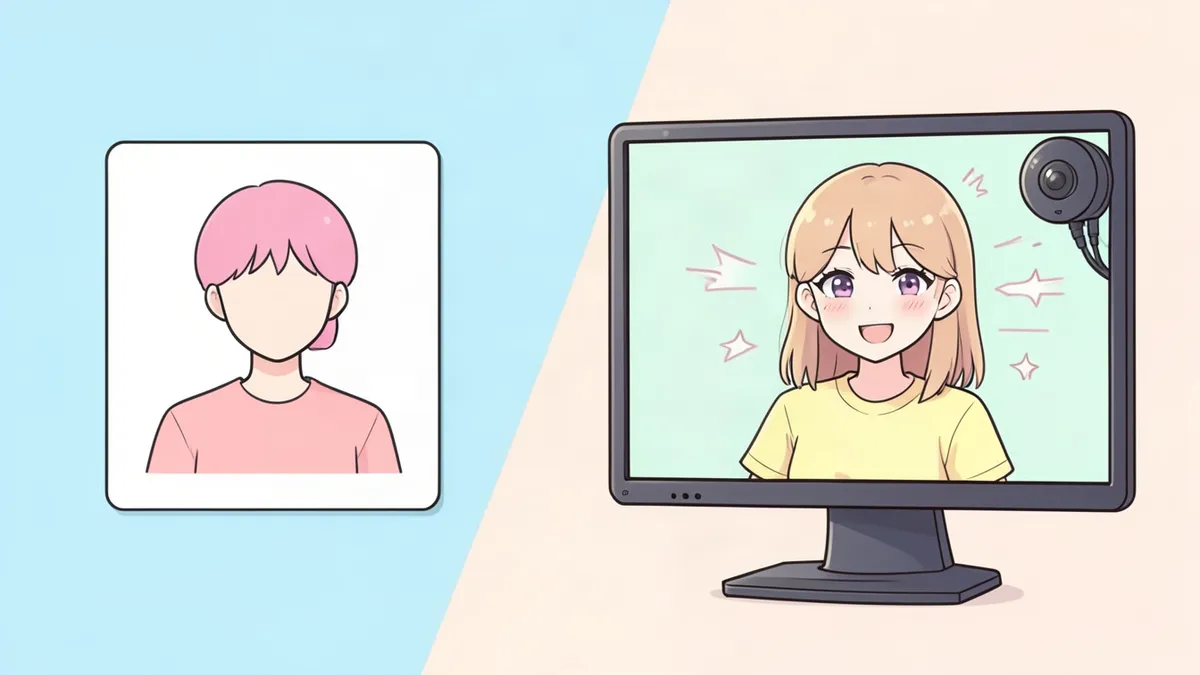
A VTuber (virtual YouTuber) is a streamer or video creator who appears as an animated character instead of on camera. The character follows your facial expressions and movements in real time, so you can stream, chat and react as your avatar.
It sounds technical, but you can start with free tools and a regular webcam. This guide covers every step, from designing your character to going live.
Step 1: Create your VTuber character
Your avatar is your on-screen identity, so it should be a character you can happily play for hundreds of hours. Decide:
- Personality and voice. Will you be calm and cozy, chaotic and loud, mysterious? Your persona can be close to your real self or a character you perform.
- Concept. A fox spirit, a space pilot, a librarian vampire. A clear concept makes your channel memorable.
- Design. A recognizable silhouette, a limited color palette and one signature detail. See our character design tips.
- Lore. A short backstory that gives you things to talk about and fans something to discover.
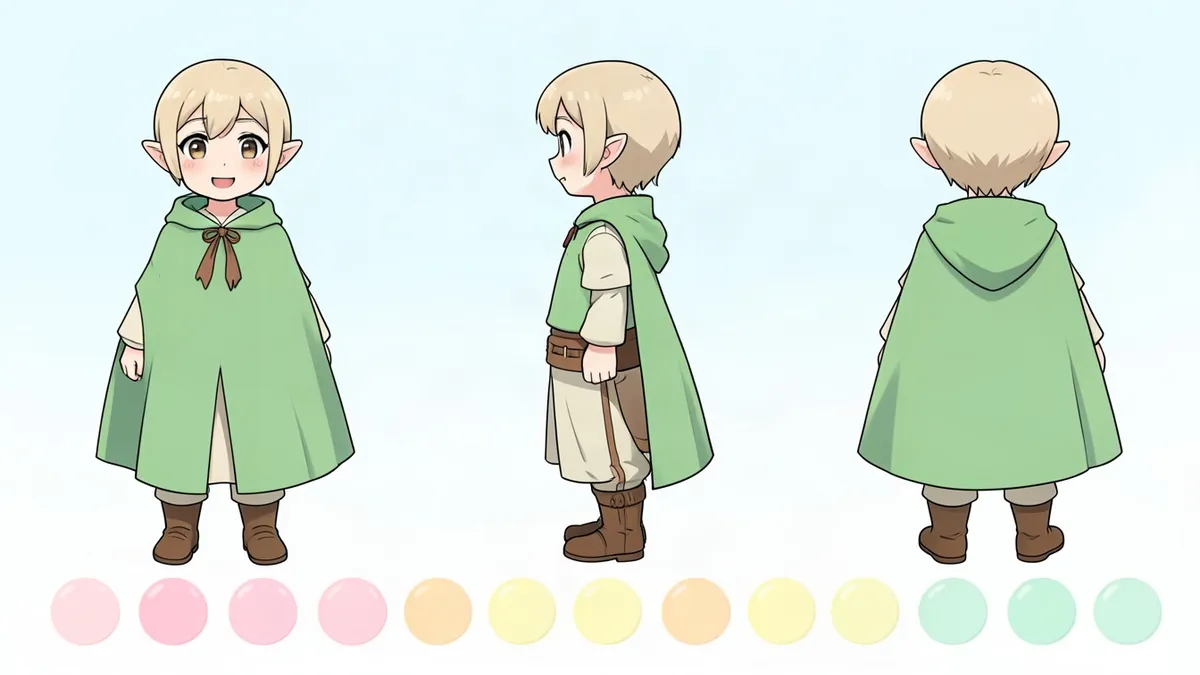
To explore looks before paying an artist, describe your character in the Character Creator or Anime Character Creator and generate a few versions. Use the result as a reference, then build a proper character reference sheet.
Step 2: Choose your model type
PNGTuber (easiest)
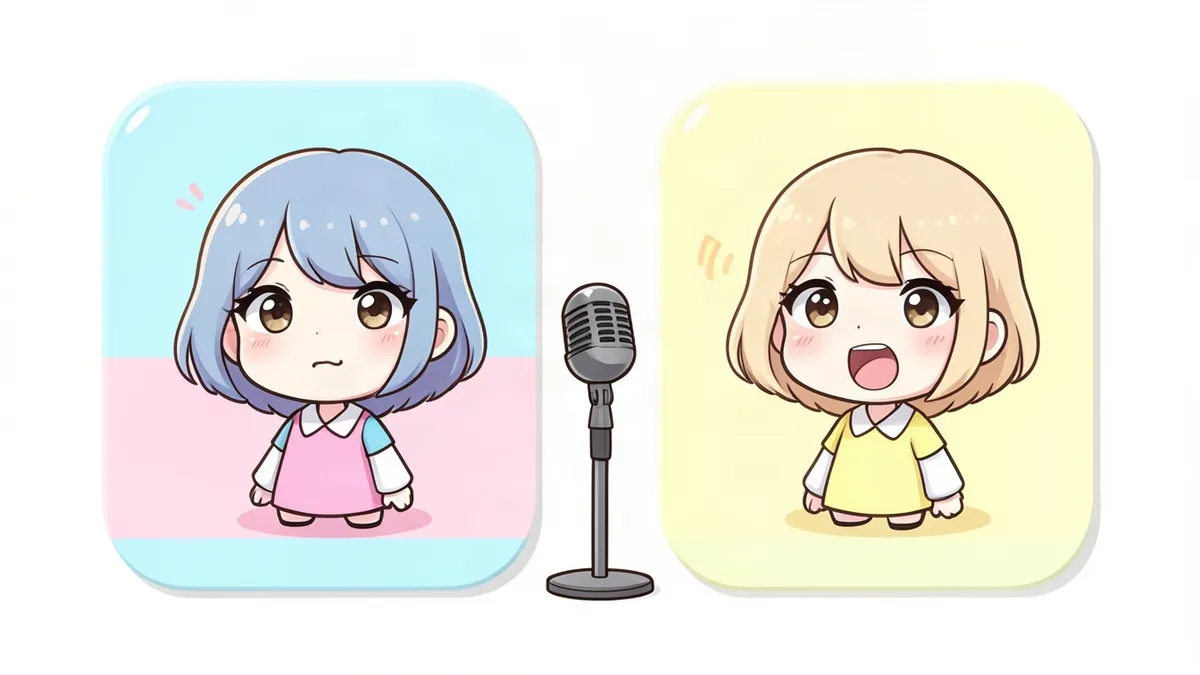
A PNGTuber uses a few static images, such as mouth closed and mouth open, that switch when you speak. It's the cheapest and fastest way to start. Read PNGTuber vs VTuber to compare.
2D VTuber (most popular)
A 2D model is a layered illustration that's "rigged" so the parts move: eyes blink, the mouth talks, hair sways and the head turns. The industry-standard software for building 2D models is Live2D Cubism.
3D VTuber
A 3D model can turn all the way around and move its whole body. You can make a basic 3D model for free with VRoid Studio, which works like a character creator with sliders and presets.
Step 3: Get your model
You have three main routes:
- Make it yourself for free. Use VRoid Studio for 3D, or draw your own layered artwork and rig it in Live2D Cubism (it has a free version with limits).
- Buy a premade model. Many artists sell ready-made models you can customize. It's cheaper than a full commission, but other people may have similar models.
- Commission a custom model. Hire an artist to draw your character and a rigger to make it move. Prices vary widely, from a few hundred dollars for a simple model to several thousand for a high-end one.
If you commission, always provide a clear reference and get written terms about usage rights.
Step 4: Set up face tracking
Tracking software reads your face through a camera and moves your model to match.
- For 2D models: VTube Studio is the most widely used app. It works with a webcam, and can also use a smartphone for more accurate tracking.
- For 3D models: apps like VSeeFace (Windows) and others load VRM models and track with a webcam.
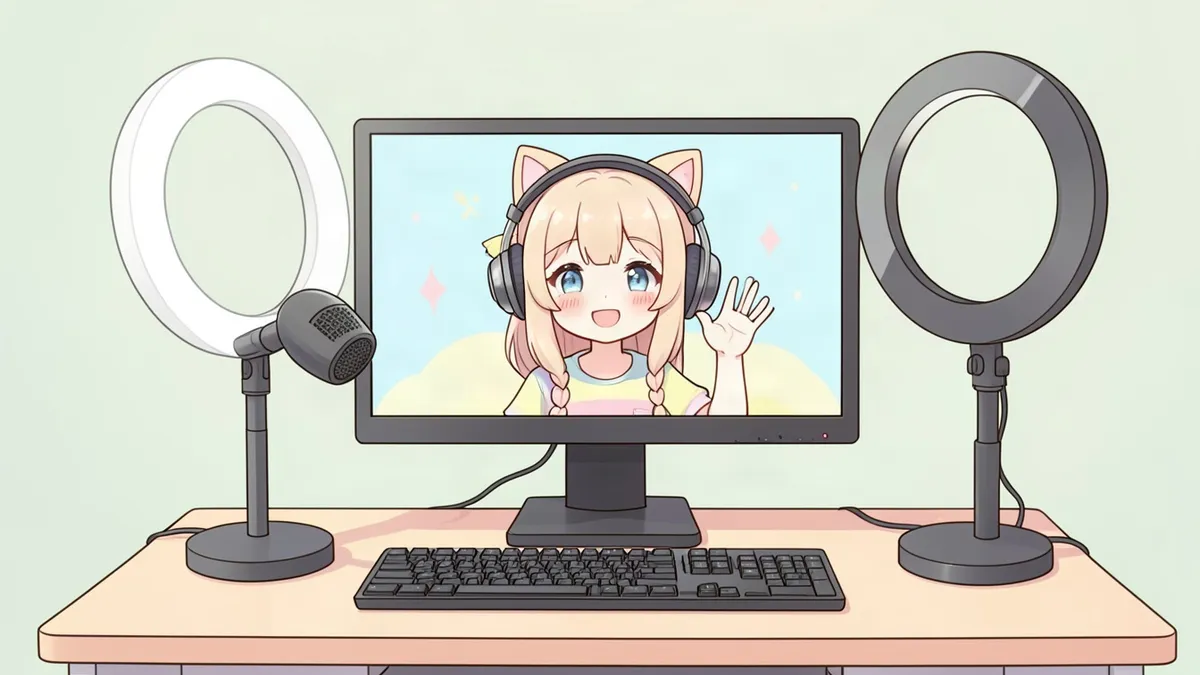
A regular webcam is enough to start. Good, even lighting on your face makes tracking far smoother.
Step 5: Set up streaming software
OBS Studio is free and works on Windows, Mac and Linux. To add your model:
- Open your tracking app and set its background to a solid color (or enable transparency if supported).
- In OBS, add a Window Capture or Game Capture source for the tracking app.
- Remove the background with a Chroma Key filter, or use transparent capture.
- Position your model over your game, art program or a background.
Step 6: Get a decent microphone
Viewers forgive simple visuals much more easily than bad audio. A basic USB microphone, a quiet room and a pop filter make a big difference.
Step 7: Plan your content and go live
- Pick your platform: Twitch, YouTube or both.
- Decide what you'll stream: games, art, chatting, music, studying, ASMR.
- Make a schedule and stick to it. Consistency matters more than stream length.
- Prepare channel art: a banner, profile picture, emotes and overlays in your character's style.
- Write a debut plan: introduce your character, share a bit of lore and tell people what to expect.
How much does it cost to become a VTuber?
- Free: VRoid Studio model or a self-drawn PNGTuber + webcam + VTube Studio or a PNGTuber app + OBS.
- Low budget: a premade model or simple commission plus a USB microphone.
- Higher budget: a fully custom Live2D model with a professional rig, custom art assets and better audio and lighting gear.
You don't need the expensive setup to start. Many successful VTubers began as PNGTubers or with free 3D models and upgraded later.
FAQ
Can I become a VTuber for free?
Yes. You can make a 3D model in VRoid Studio or draw a simple PNGTuber, track your face with a webcam, and stream with free software like OBS Studio.
Do I need to be able to draw to become a VTuber?
No. You can use free model makers, buy a premade model or commission an artist. You can also generate character concepts to share with an artist.
What's the difference between a VTuber and a PNGTuber?
A VTuber uses a rigged model that follows your face and movements. A PNGTuber uses a few static images that switch when you talk. See our full comparison: PNGTuber vs VTuber.
Do VTubers need a face-tracking camera?
A regular webcam works. Some people use a smartphone for more accurate tracking, but it isn't required.
How do VTubers choose their character?
Most choose a concept that matches their personality and content, then design a memorable look around it. A clear concept, like a sleepy dragon who streams cozy games, helps viewers remember you.