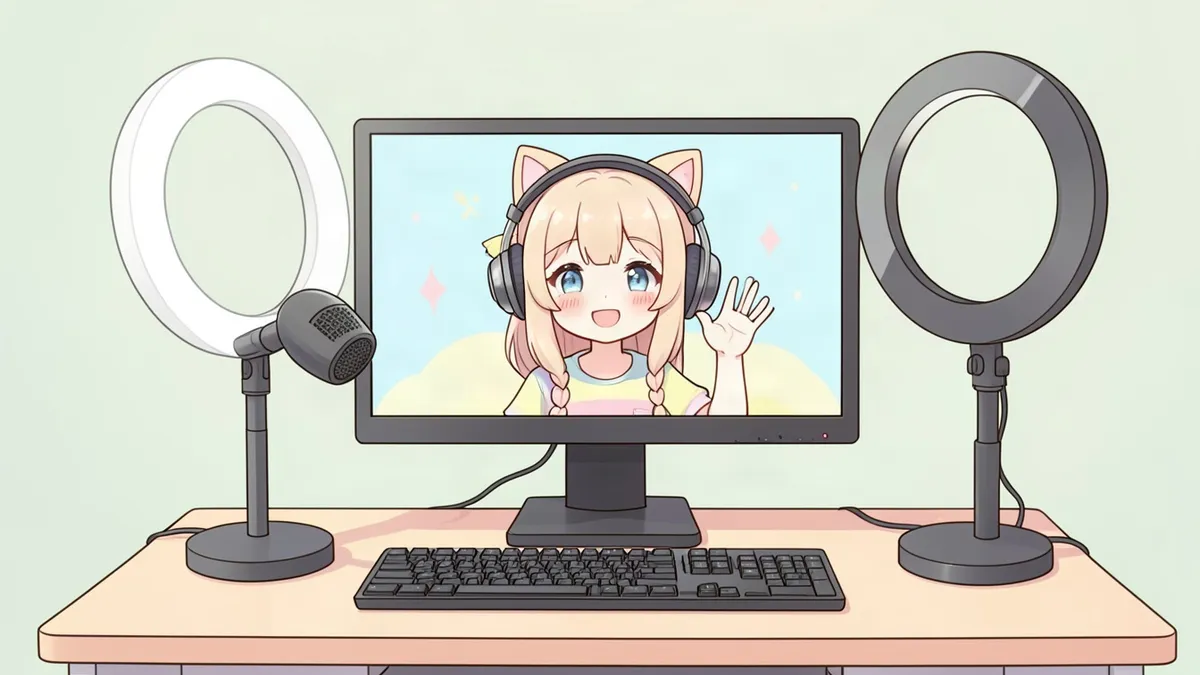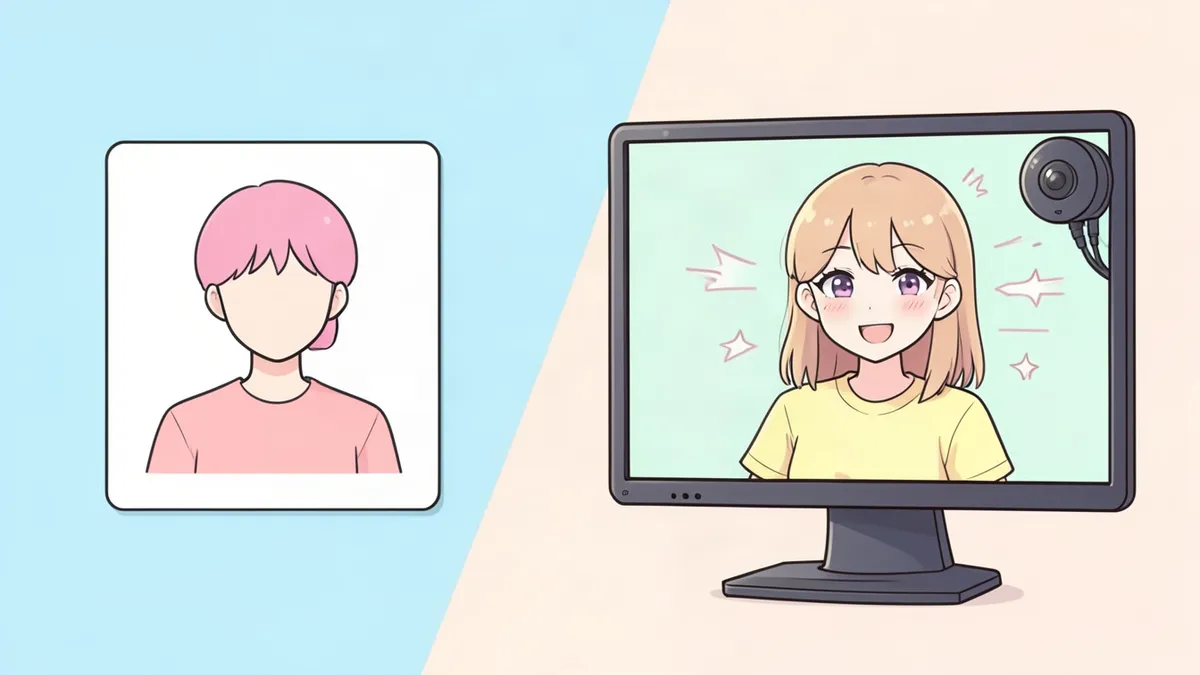
Both PNGTubers and VTubers stream as characters instead of showing their faces. The difference is in how the avatar moves, and that affects cost, setup time and how expressive you can be. Here's a clear comparison to help you choose.
The short answer
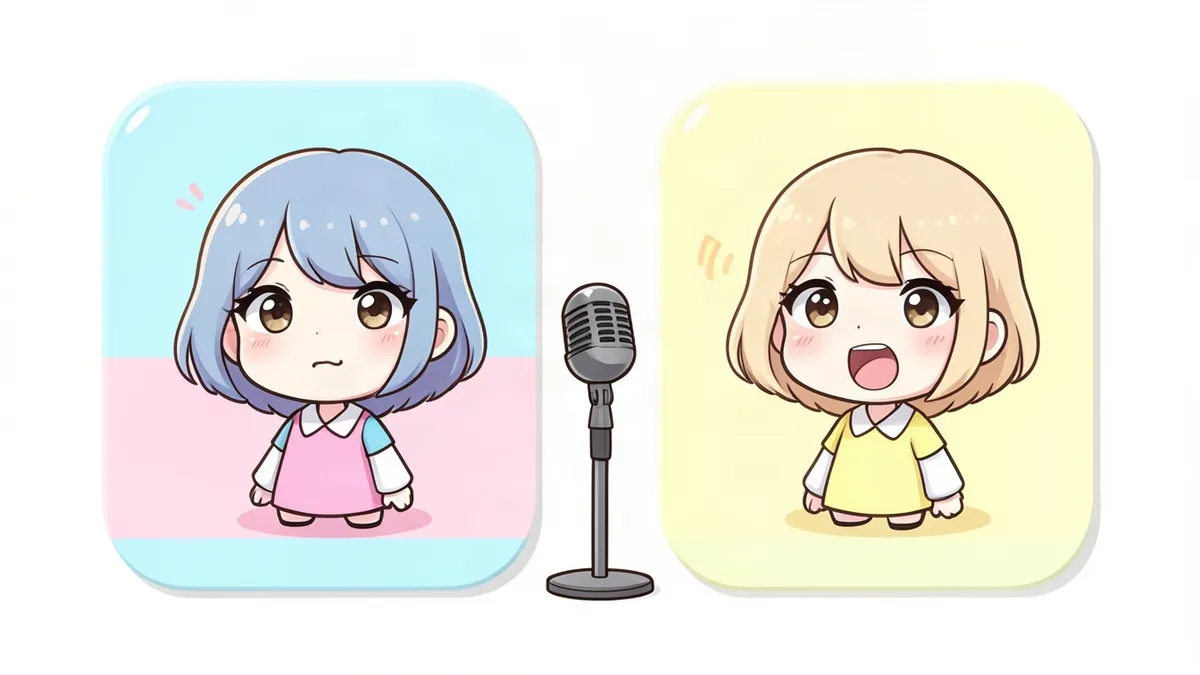
- PNGTuber: a few static images that switch when you talk. Cheap, fast and simple.
- VTuber: a rigged 2D or 3D model that follows your face and movements in real time. More expressive, more expensive and more complex.
How each one works
PNGTuber
A PNGTuber uses images with transparent backgrounds. Software listens to your microphone and switches from an "idle" image (mouth closed) to a "talking" image (mouth open) when you speak. Extra images can add blinking and expressions, often triggered by hotkeys. No camera is needed.
VTuber
A VTuber uses a model that's been rigged so its parts can move. Tracking software reads your face, usually through a webcam or phone, and moves the model's head, eyes, eyebrows and mouth to match yours. 2D models are typically built in Live2D; 3D models can be made with tools like VRoid Studio or full 3D software.
Side-by-side comparison
| PNGTuber | VTuber | |
|---|---|---|
| Avatar | 2 or more static images | Rigged 2D or 3D model |
| Reacts to | Your voice | Your face (and sometimes body) |
| Camera needed | No | Yes (webcam or phone) |
| Setup time | An afternoon | Days to weeks |
| Typical cost | Free to low | Free (basic 3D) to high (custom 2D) |
| Expressiveness | Limited, hotkey expressions | High, real-time expressions |
| Computer load | Very light | Moderate |
| Easy to update | Very easy | Harder, needs re-rigging |
Pros and cons
PNGTuber pros
- Start for free with simple drawings
- No camera or tracking setup
- Easy on your computer while gaming
- Quick to make seasonal or joke variations
PNGTuber cons
- Less expressive
- Can feel static during long talking streams
VTuber pros
- Your avatar mirrors your real expressions
- More immersive for viewers
- Enables things like head pats, props and full-body movement (3D)
VTuber cons
- Custom models can be expensive
- Tracking needs good lighting and a camera
- More software to manage while streaming
Which should you choose?
Choose a PNGTuber if:
- You're just starting and want to test streaming as a character
- You're on a tight budget
- You mostly stream games and your avatar sits in a corner
- Your computer struggles with extra software
Choose a VTuber if:
- Your content focuses on chatting, reactions or just you
- You want viewers to see your expressions
- You're ready to invest time or money in a model
Many creators start as PNGTubers and upgrade later. Your character, name and audience come with you, so there's no wrong first step.
How to get started
- PNGTuber: follow our guide on how to make a PNGTuber, or generate a matching set of frames with the PNGTuber Maker.
- VTuber: read how to become a VTuber.
- Both: design your character first. Explore looks in the Character Creator.
FAQ
Is a PNGTuber a VTuber?
Many people consider PNGTubers a type of VTuber, since both stream as virtual characters. In practice, "VTuber" usually refers to streamers with tracked, rigged models.
Is it cheaper to be a PNGTuber?
Yes. You can make a PNGTuber for free with your own drawings, while a custom rigged VTuber model can cost hundreds or thousands of dollars.
Can I switch from PNGTuber to VTuber?
Yes. Keep your character design and lore consistent, then commission or create a model when you're ready.
Do PNGTubers need face tracking?
No. PNGTubers react to your microphone, so you don't need a camera.