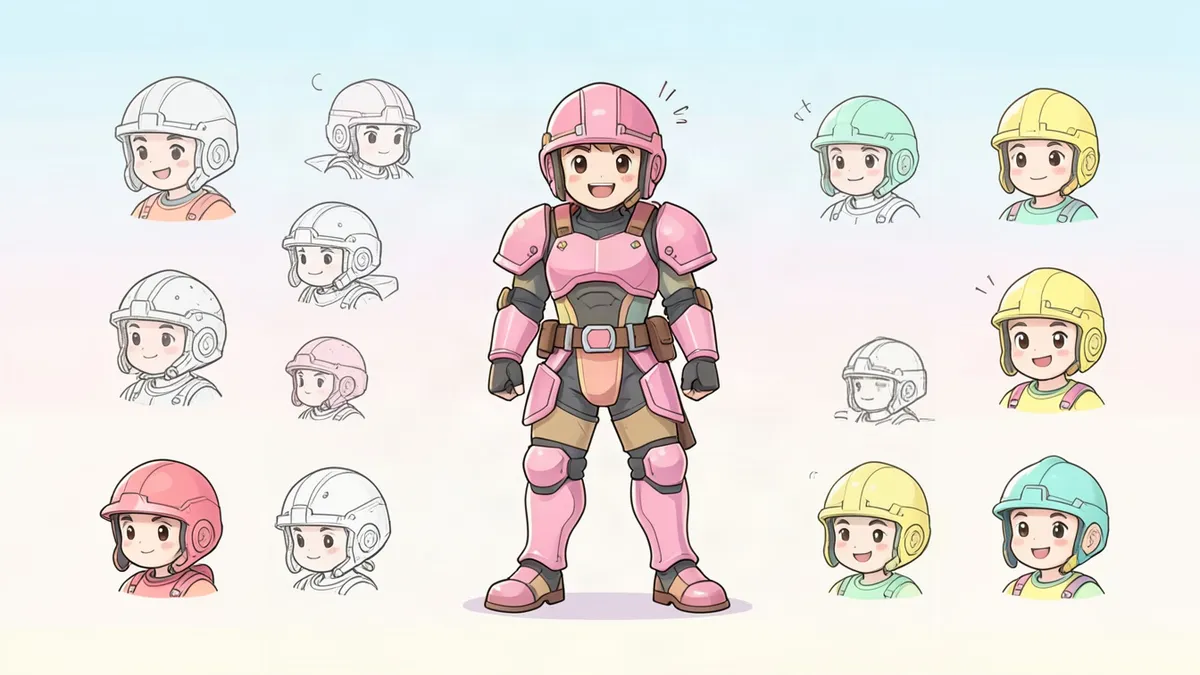
Character concept art is artwork made to work out what a character looks like before anyone commits to a final version. Games, animation, film and comics all use it as a design tool. It's quick, exploratory and meant to be compared side by side, not framed. You can follow the same process for your own OC, and it's the most reliable way to get past your first idea.
What character concept art is for
Concept art answers questions while they're still cheap to answer. Who is this person? What world do they live in? Can you read them at a glance? Can the design be animated, modeled or drawn five hundred times without falling apart?
For a solo creator, the benefit is simpler. It stops you from settling on the first design that looks okay.
Concept art, illustration and design sheets
- Concept art shows many options. Rough is fine. It's judged on how clearly it communicates a design.
- Illustration is one polished image with mood and story. It's judged on finish.
- A design sheet is the specification that comes after the decisions are made. See our character design sheet guide.
The seven stages
- The brief. Three to five sentences on role, personality, world and limits. "Must read clearly when small" is a limit. So is "wears the team's two colors."
- Research. Collect 15 to 20 photos of real things: clothing, tools, animals, buildings. Note what you're taking from each. Real-world sources lead to fresher designs than other people's characters do.
- Silhouette thumbnails. Twenty or thirty small black shapes. Our character design silhouette article covers this stage.
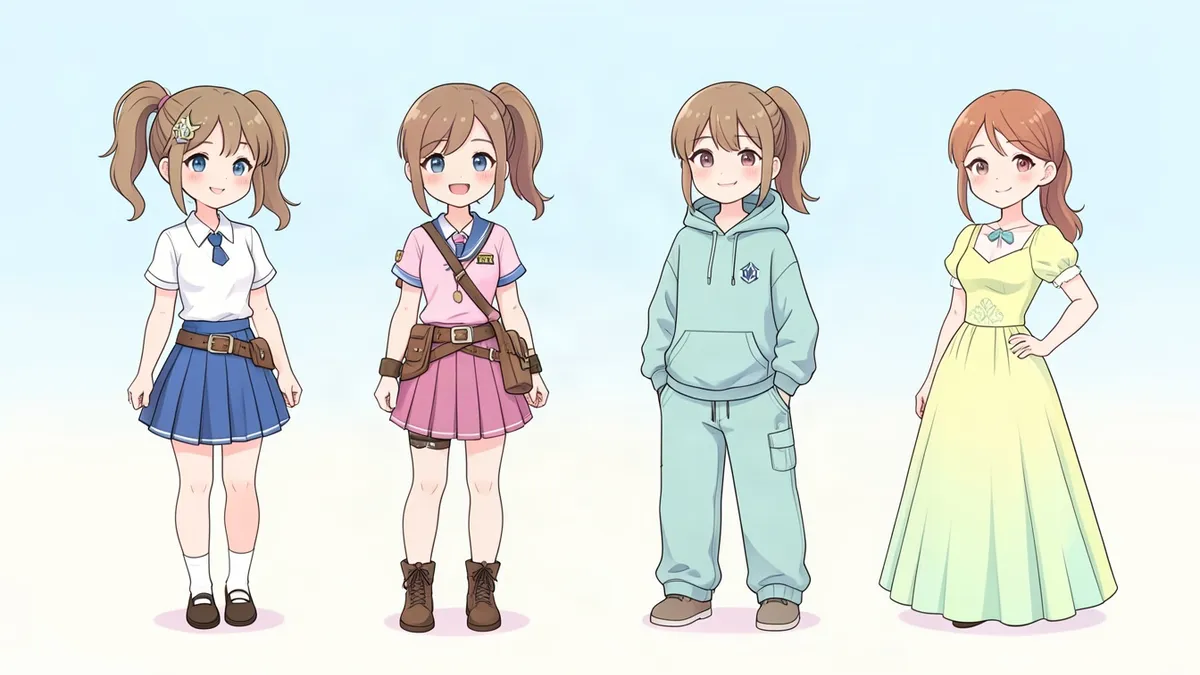
- Rough variations. Pick three to five thumbnails and draw them as loose figures. Change one thing at a time, such as the coat length or the hair, and label the options A, B and C.
- Color keys. Small copies of the best design in three or four palettes. Check each one in grayscale to make sure the light and dark areas still separate.
- The final concept. A clean full-body drawing with call-outs: materials, how the gear fastens, prop details, a close-up of the face.
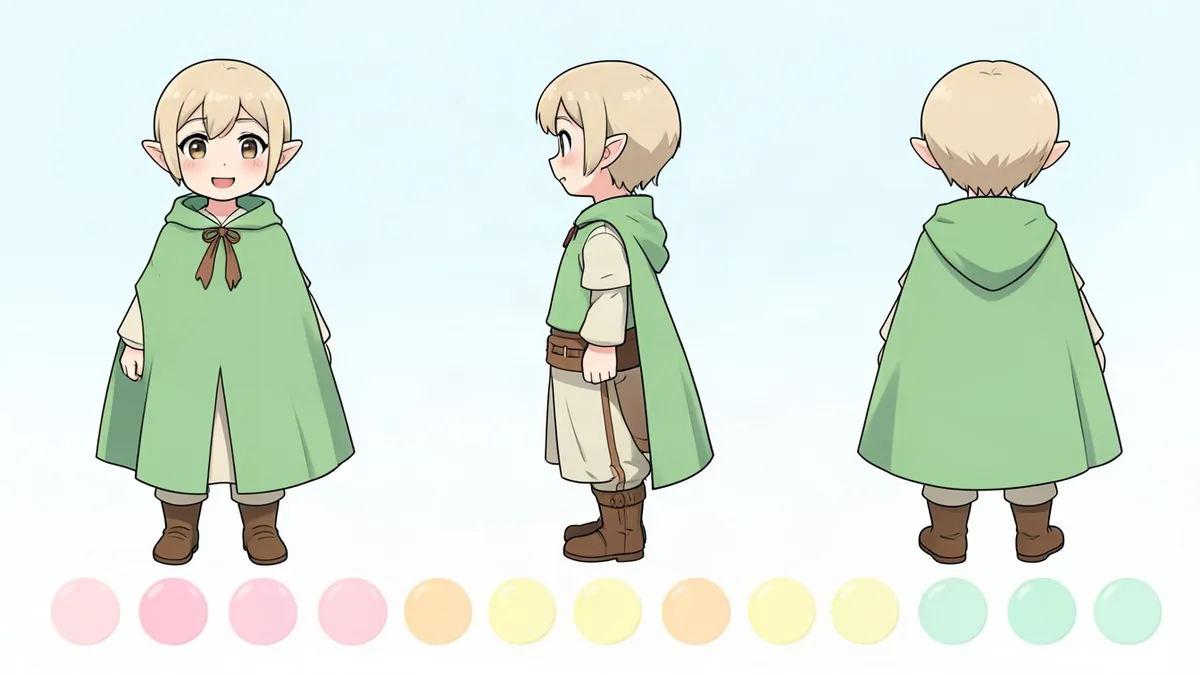
- Hand-off. Turnaround and expressions, which is where the design sheet begins.
A worked example
Brief. A ferry pilot on the canals of a flooded city. Cheerful, cuts corners, knows everyone.
Research. Rain gear, river boat crews, rope knots, old transit uniforms.
Thumbnails. The strongest outline had a wide rain hat and a long steering pole. Both stick out from the body, so the shape reads from far away.
Variations. A long coat looked good standing still and got in the way in action poses. The short coat won. Mismatched boots came in at this stage, because someone who cuts corners wouldn't replace both.
Color. Faded teal coat, safety-orange scarf, brass whistle. The orange sits near the face and repeats on the pole's grip.
Call-outs. Whistle on a cord, a patched elbow, a ticket punch on the belt.
Every choice traces back to a line in the brief. That link is the difference between concept art and a nice drawing.
Habits that help
- Work small and fast early. Thumbnails the size of your thumb keep you from polishing bad ideas.
- Write one line under each option. "B: friendlier, but loses the pole." Your future self will want the reasoning.
- Show people without explaining. If they can't guess the job or the mood, the design isn't saying it yet.
- Keep the rejects. A discarded hat often ends up on a different character.
- Design for where it will be used. A comic character needs to be quick to redraw. A game sprite needs to read at tiny sizes.
Where a generator fits
A text-to-image tool is useful at the variation stage, when you want options to react to. Write your brief as a description in the Character Creator, generate a few versions and note what works in each. Then make the decisions yourself and draw or describe the final design.
Two cautions. Label AI-made images as such. And check the rules before using them in a portfolio, a client project or an art community, because many have their own policies.
For the principles you'll be applying at each stage, such as shape language, palette and costume, see our character design tips.
FAQ
What is character concept art?
It's exploratory artwork that works out a character's look before final production. It usually includes many rough options, then a clean final design with notes.
How do I start making character concept art?
Write a short brief, gather reference photos of real things, then draw 20 or more small silhouettes before you add any detail.
Is concept art the same as illustration?
No. Concept art is a design tool that compares options and explains a design. Illustration is a finished image meant to be looked at for its own sake.
What goes on a character concept sheet?
A clean full-body view, a few alternate versions, color options, and call-outs for materials, props and the face. Notes explaining the choices are common too.