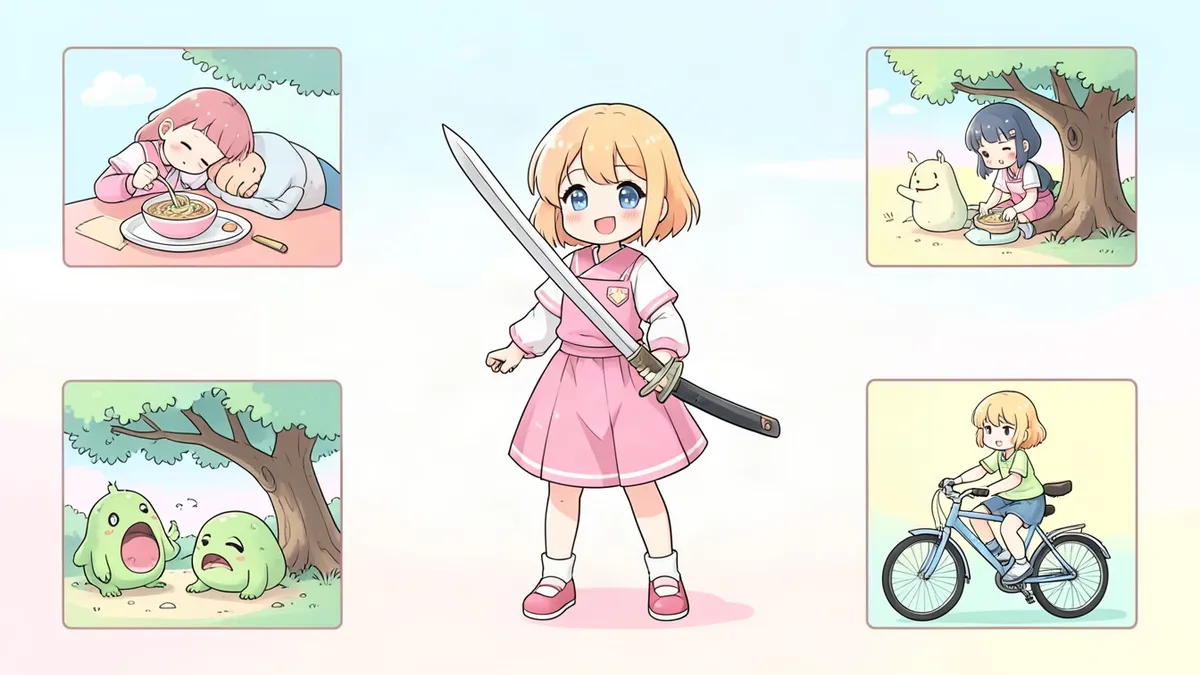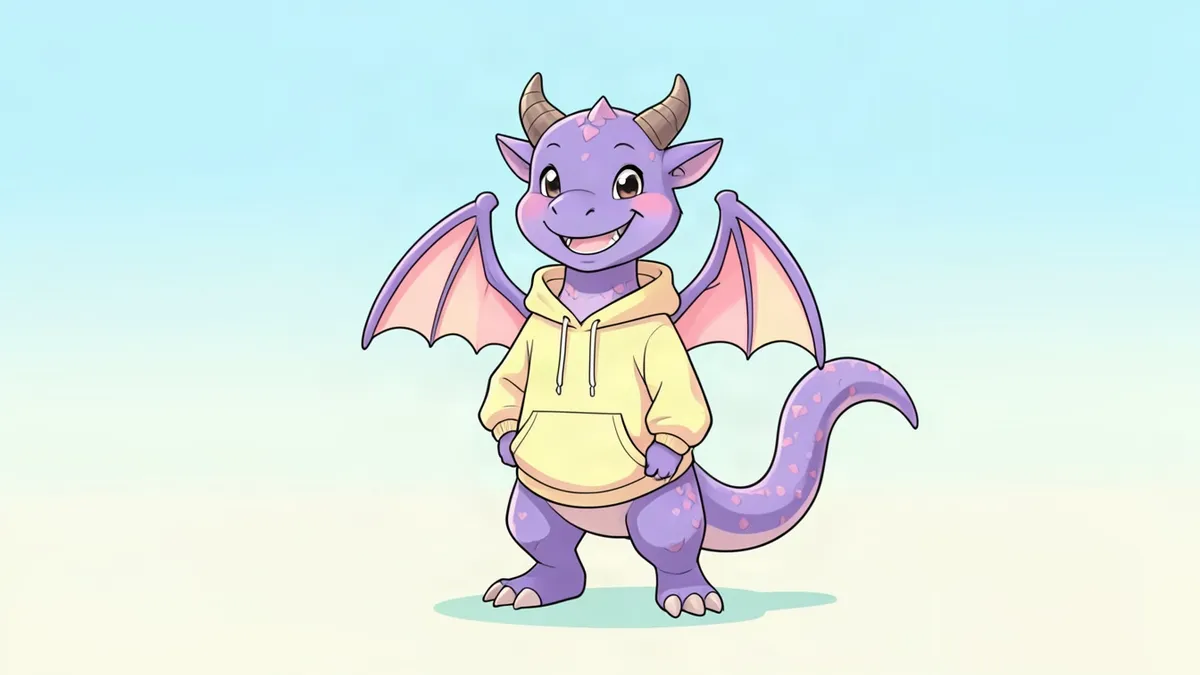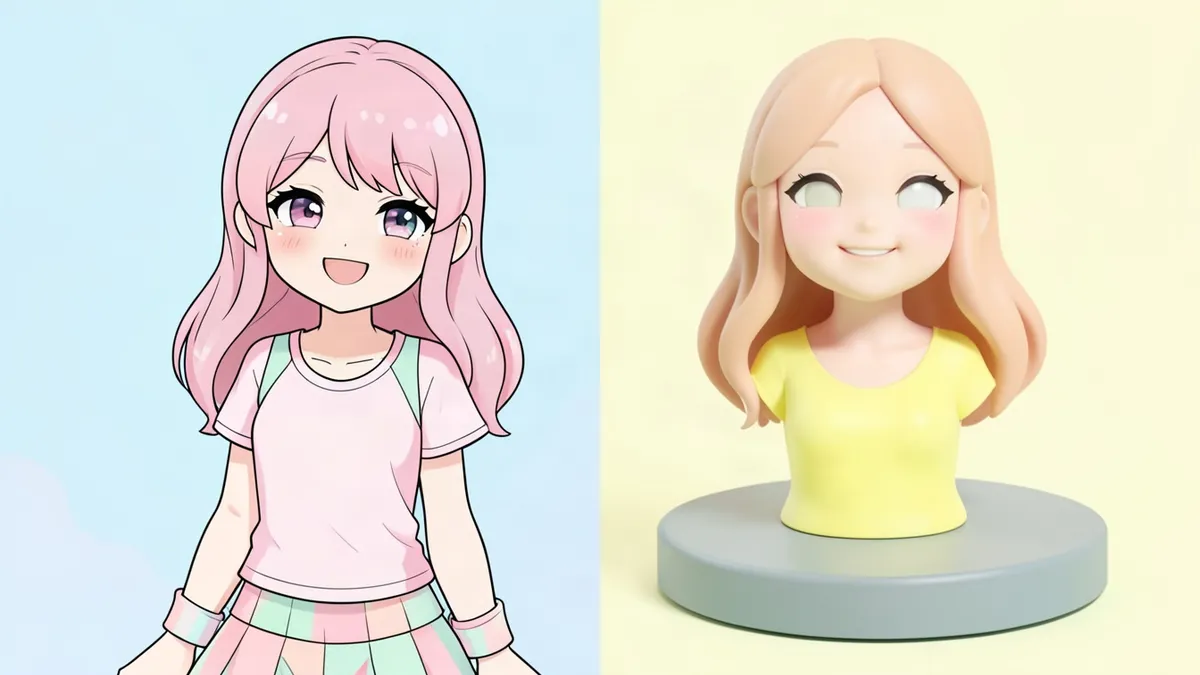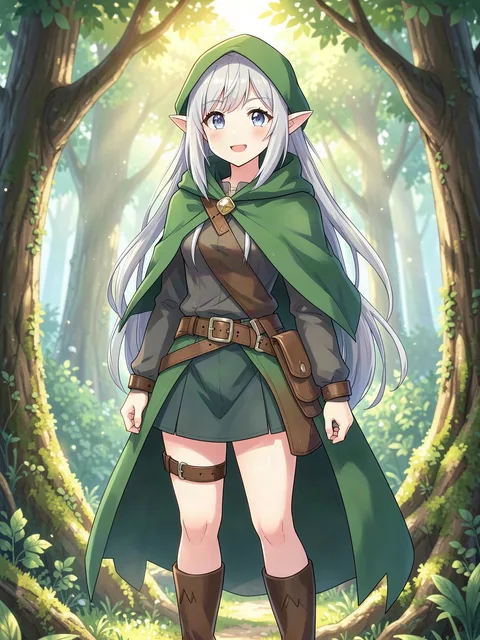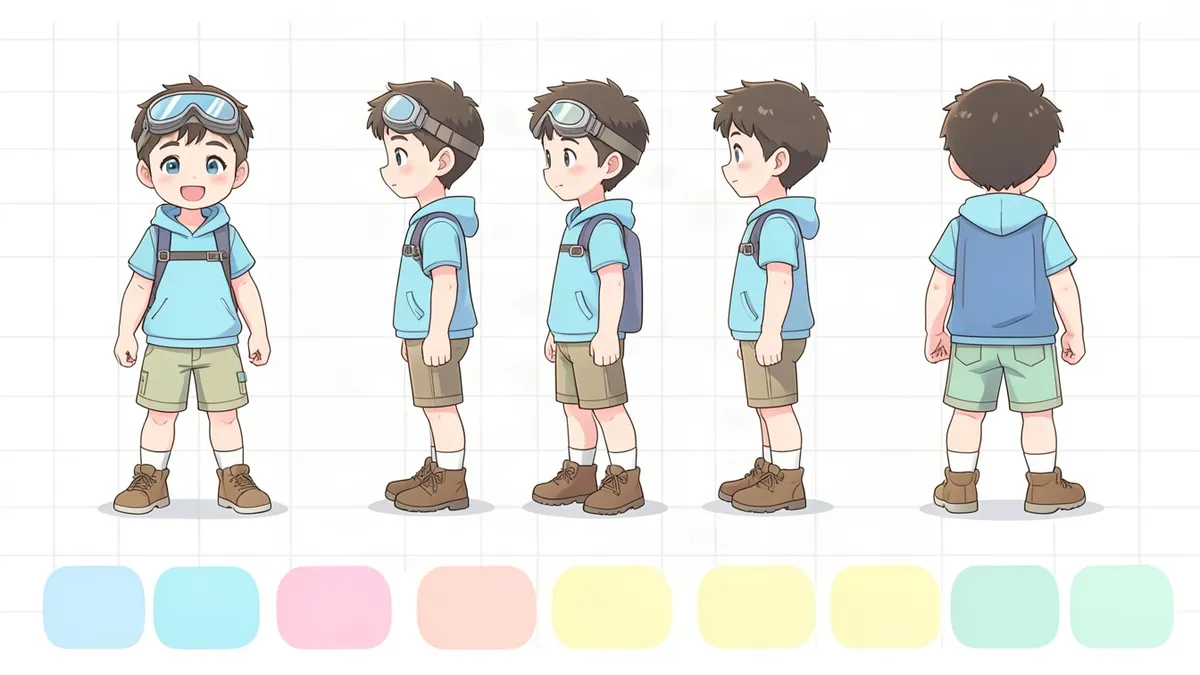
A character design sheet records a finished design so it can be drawn again exactly, by you next month, by a teammate or by an animator. In animation the strict version is called a model sheet. This guide sorts out the terms, lists what belongs on the page and shows you how to draw a turnaround whose views line up.
Design sheet, model sheet, turnaround: the terms
- Character design sheet. The broad term. A presentation of the final design with views, colors and notes.
- Model sheet. A production document from animation and comics. It shows the character at fixed proportions from set angles so many artists can stay "on model." Usually clean line art with construction notes.
- Turnaround. The row of views showing the character rotating: front, three-quarter front, side, three-quarter back, back. It's one part of a model sheet.
- Expression sheet. A set of heads showing the character's range of emotions.
- Pose sheet. Typical stances and gestures that show how the character moves.
- Reference sheet. The community term for an OC's sheet, usually a colored front and back view with a palette. See our character reference sheet guide.
In practice these overlap, and one page often does several jobs.
What goes on a character design sheet
- A turnaround with three to five views
- A height line that shows how many heads tall the character is
- Four to six expressions
- Close-ups of hands, shoes and props
- Flat color swatches, including a shadow color for skin and hair
- Construction notes: the simple shapes under the head and body
- Short rules, such as "the scarf always hangs on the left"
How to draw a turnaround that lines up
- Draw the front view first. Standing straight, arms a little away from the body, feet flat, neutral face.
- Rule guide lines across the whole page. Top of the head, eyes, chin, shoulders, waist, hips, knees, ground.
- Draw the side view between the same lines. Watch the depth of the head, the curve of the spine and the length of the feet.
- Trace the front outline for the back view. The outer shape is the same, mirrored. Only the inside changes.
- Do the three-quarter views last. The near side is wider than the far side, and the center line of the body curves.
- Check every feature against the guides. If the belt sits on the hip line in one view, it sits there in all of them.
- Color flat. Model sheets skip shading so the forms stay clear.
Keep hair and clothes at rest. A turnaround is a measuring tool, so nothing should be blowing in the wind.
One trap to watch: left and right. A scar on the character's left cheek appears on the right side of the page in the front view and on the left side of the page from behind. Mark it on every view.
Measure in heads
Stack the height of the head down the body and write the total on the sheet. Rough guides:
- Heroic adult: seven and a half to eight heads
- Teenager: six to seven
- Child: four to five
- Chibi: two to three
Note where the waist and knees fall in head units. Those two marks keep the proportions steady from drawing to drawing.
Character design sheet template
Copy this label block onto your page and fill it in:
CHARACTER: ____
VERSION AND DATE: ____
HEIGHT: ____ heads tall
VIEWS: front / three-quarter front / side / three-quarter back / back
PALETTE: skin ____ / hair ____ / eyes ____ / main ____ / second ____ / accent ____
ALWAYS: ____
NEVER: ____
PROPS: ____
For layout, use a landscape page. Run the turnaround across the middle on one ground line, put expressions at the top right and the palette along the bottom, and keep the background plain.
Before the sheet, and after
A design sheet comes at the end of the process. If the design isn't settled, go back a stage: test the outline with our character design silhouette guide, or explore options the way character concept art does.
Don't have time to draw every view by hand? In the Anime Character Creator you can keep the same character and change the outfit or expression, which gives you material for an expression row and costume notes. For animal characters, the Fursona Maker can make a ref sheet with front and back views and a color palette.
FAQ
What is a character design sheet?
It's a page that records a finished character design, usually with several views, expressions, colors and notes, so the character can be drawn consistently.
What is the difference between a model sheet and a turnaround?
A turnaround is the row of rotating views. A model sheet is the full production document, which includes the turnaround plus proportions, expressions and notes.
How many views does a character design sheet need?
Three is the practical minimum: front, side and back. Five views, adding the two three-quarter angles, is standard for animation.
Is there a character design sheet template?
Yes. The label block above covers name, version, height in heads, views, palette and rules. Add it to a landscape page with your turnaround.