Twitch takes a static emote in one of two forms: one square PNG between 112 and 4096 pixels, or three square PNGs at 28, 56 and 112 pixels. Every rule below comes from Twitch's help pages, which we read on November 3, 2026. We then compare them with what our own emote maker exports and walk through drawing and uploading.
Twitch emote sizes and file limits
| Emote type | Upload mode | Files | Pixel size | File limit |
|---|---|---|---|---|
| Static | Auto-resize | 1 PNG | 112x112 to 4096x4096 | Under 1 MB |
| Static | Manual | 3 PNGs | 28x28, 56x56, 112x112 | Each under 100 KB |
| Animated | Auto-resize | 1 GIF | 112x112 to 4096x4096 | 1 MB |
| Animated | Manual | 3 GIFs | 28x28, 56x56, 112x112 | Each 512 KB |
Twitch also asks for a square image, a fully transparent background and sharp lines with no unnecessary blurring. It tells you to view the emote at 100% before you submit. A GIF can have 60 frames at most and must not flash more than 3 times in a second.
Two Twitch pages describe the static limit differently. The formatting page gives only the 1 MB cap. The Subscriber Emote Guide adds 100 KB per file for manual mode, so plan for the stricter number.
What our emote maker exports, checked against those rules
This section is a code check, done on November 3, 2026. We read the export code of the Emote Maker and did the arithmetic. We did not generate images or upload a test emote to Twitch.
| Twitch asks for | What the code does | Result |
|---|---|---|
| PNG | Every sized file is re-encoded as PNG | Match |
| Square | Draws onto an exact square, and a non-square image gets empty space around it | Match |
| 28, 56 and 112 pixels | Exports all three, in folders named 28px, 56px and 112px | Match |
| Under 100 KB per file | The largest file, 112 x 112 x 4 bytes, is 50,176 bytes before compression | Match |
| Transparent background | A background removal model runs on each image | Match, but check the edges yourself |
| One file under 1 MB for auto-resize | The 112 pixel file fits. The full size file was not measured | Use the 112 pixel file |
| GIF for animated emotes | No GIF export | Not offered |
Be careful with the full size download. The first emote in a set is drawn at 1024 x 1024, which is about 4.2 MB before compression. It may or may not land under 1 MB, so look at the file size before you use it.
The export also scales the whole image and does not trim empty space. If a character sits small in its frame, it stays small at 28 pixels. When that happens, crop it tightly in any image editor, keep the crop square and at least 112 pixels wide, and upload that one file in auto-resize mode.
The ZIP's 128px folder is for Discord, so you can ignore it on Twitch.
How many emotes to make first
Slots set the size of your first batch. Affiliates get 5 slots right away, the sixth opens at 10 sub points, and the twentieth and last opens at 300. Partners can unlock up to 60. A Tier 1 sub gives 1 point, Tier 2 gives 2 and Tier 3 gives 6. Twitch says an unlocked slot stays unlocked even if your points drop later.
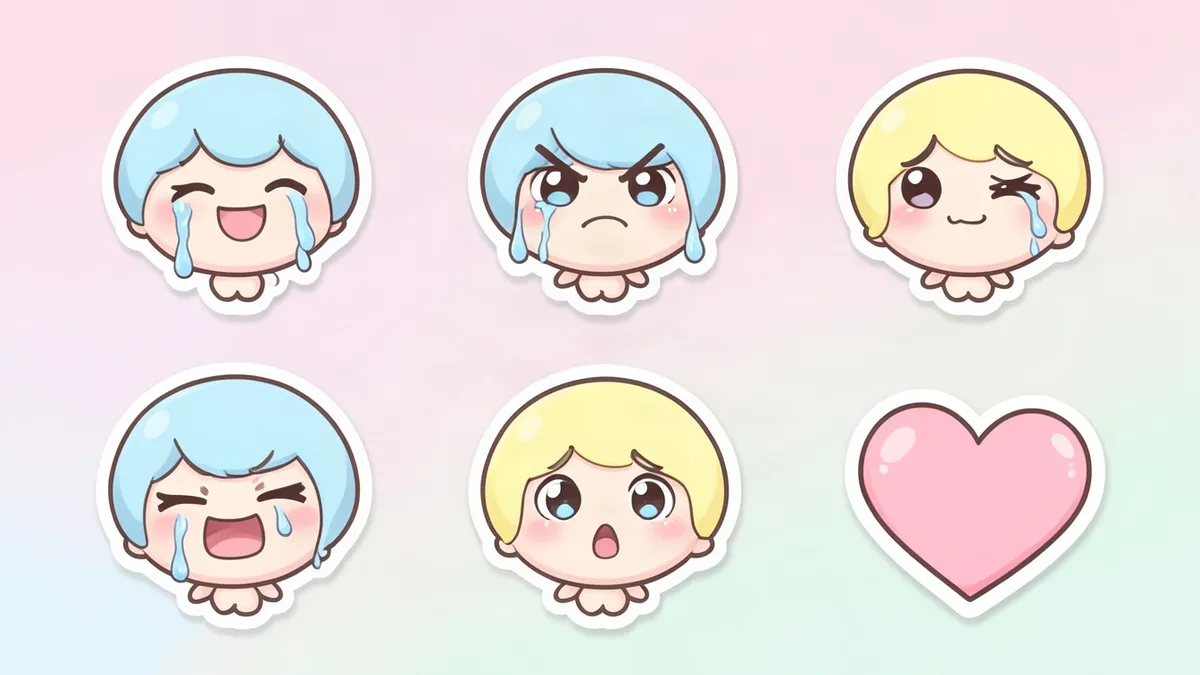
Our tool selects six expressions by default: hype, love, laugh, cry, rage and GG. If you are a new Affiliate under 10 sub points, you can only put five of those live, although Twitch's Library will hold the extra one. At 2 credits per emote, five cost 10 credits and six cost 12. A new account's 2 free credits cover one emote, which is enough to see whether the character works small. If an emote fails, its credits come back.
For choosing the five, Twitch's own tips are specific. Base meme emotes on jokes from your own community, show ideas to your viewers before uploading, and replace any emote that rarely gets used. Twitch also offers 120 free default emotes, so an empty slot on launch day is no emergency.
Draw for 28 pixels
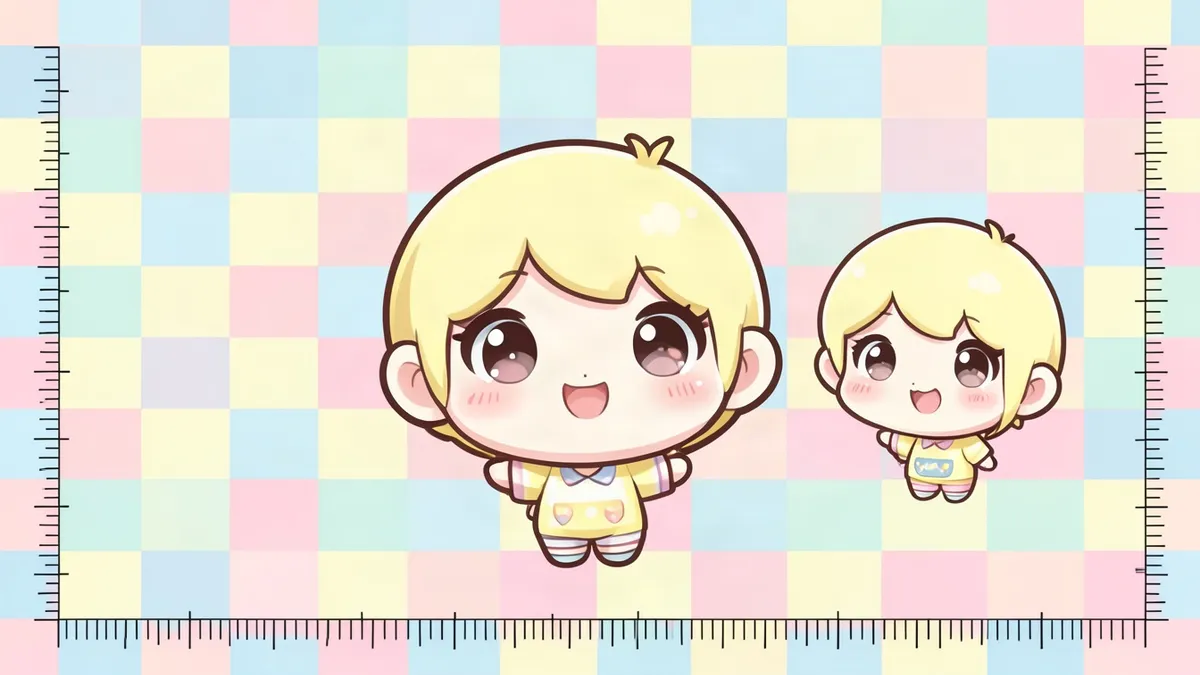
A 28 pixel emote has 784 pixels. The 112 pixel version has 12,544, which is 16 times as many, and a 1024 pixel drawing has more than 1,300 times as many. The joke has to survive that drop, which usually leaves the eyes, the mouth and one large prop.
The emote maker's drawing instructions are written for this. They ask for an oversized head, flat bold colors and an exaggerated expression. They also ask for a dark outline with a white outline around it, because a dark line alone vanishes on dark chat and a light one vanishes on light chat.
Two things to watch:
- Downscaling uses the browser's smoothing with no sharpening, so thin details can go soft. Open the 28 pixel file at 100% next to chat text, on both a dark and a light background.
- Twitch warns that too many words clutter an emote at this size. An emote showing a single letter is prohibited.
For a character that holds up at small sizes, our character design tips cover shapes and signature details.
Make a matching set
- Open the Emote Maker. Pick a saved character or describe a new one, such as a round orange cat mascot with a tiny wizard hat.
- Choose expressions. There are ten presets: hype, love, laugh, cry, rage, GG, wave, sip, lurk and thinking. You can also type your own in up to 60 characters, which suits channel jokes.
- Generate the set. The first picked expression is drawn from your description, and the rest are redrawn from that image, so the character stays the same across the set.
- Choose Download all (ZIP) to get every emote at every size, or download one size of one emote from its menu.
Streaming as the character too? See the VTuber Maker and our guide on how to make a PNGTuber.
Upload to Twitch
- In your dashboard, go to Viewer Rewards, then Emotes, then Subscriber Emotes.
- Set an emote prefix if you don't have one. Twitch requires it before you can upload.
- Click the + button under a tier, or Upload New to send the emote to your Library without filling a slot.
- Leave Auto-resize on and upload the 112 pixel file, or turn it off and upload the 28, 56 and 112 pixel files. All three must be the same image.
- Type the emote code. Your prefix joins it, so prefix + Love becomes prefixLove.
The emote then shows as Pending Approval until staff review it, unless you have instant upload. Affiliates qualify after streaming on 60 unique days in a rolling year, and only days after reaching Affiliate count. Partners qualify 60 days after joining the program and after their last warning or suspension.
Rules that get emotes rejected
Twitch's Subscriber Badge Guide lists what can't appear in badges, emotes or emote codes: nudity and sexually suggestive content, drugs, hate speech, explicit words or gestures, single letters, misuse of Twitch brand assets, and other people's copyrights, trademarks or likenesses.
The last one covers game and anime characters. Our emote maker does not block or warn about known series names, so the choice is yours. Avoid those names and describe your own character.
Twitch also judges emotes for use across the whole site. An in-joke from your channel can lose its context elsewhere. A rejection email gives a general reason, and you can change the design and resubmit. Abusing resubmission can cost you instant upload or other account privileges.
FAQ
Can I upload only the 112 pixel file?
Yes. In auto-resize mode, Twitch accepts one square PNG from 112 to 4096 pixels under 1 MB and makes the other sizes for you. Upload all three yourself if the automatic 28 pixel version looks muddy.
Can I make animated Twitch emotes from these files?
Our tool has no GIF export. On channels with animated slots, Twitch's Easy Animate takes a static PNG from 112 to 4096 pixels under 1 MB and applies one of six effects: Shake, Rave, Roll, Spin, Slide In or Slide Out.
Do these files work as subscriber badges?
Not as exported. Twitch wants badges at 18, 36 and 72 pixels, each 25 KB or less. Resize the design in an image editor, and redraw it if the details get lost at 18 pixels.
Do I need to be an Affiliate to upload emotes?
Twitch says emotes are available to all monetized streamers. If you are monetized but outside the Affiliate and Partner programs, your channel emotes can't be used outside your own channel.
Sources
Last checked November 3, 2026.
- Emote Formatting & Instant Emote Upload Requirements, Twitch Help
- Subscriber Emote Guide, Twitch Help
- Animated Emotes, Twitch Help
- Emote Slots, Twitch Help
- Subscriber Badge Guide, Twitch Help