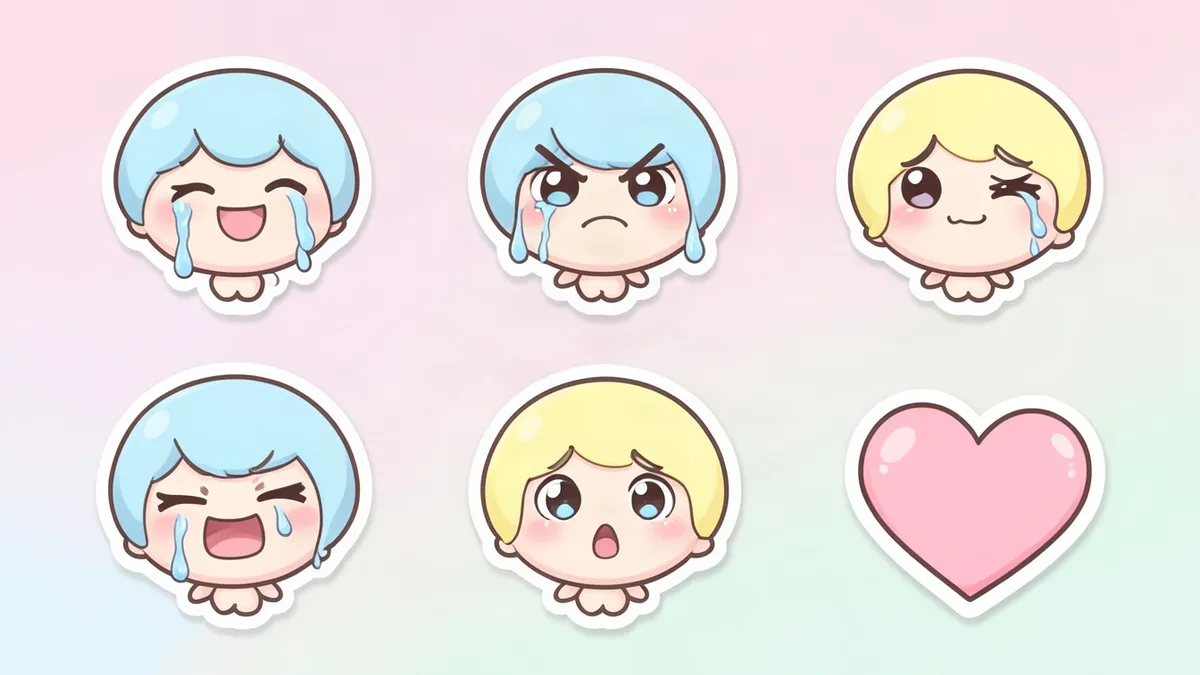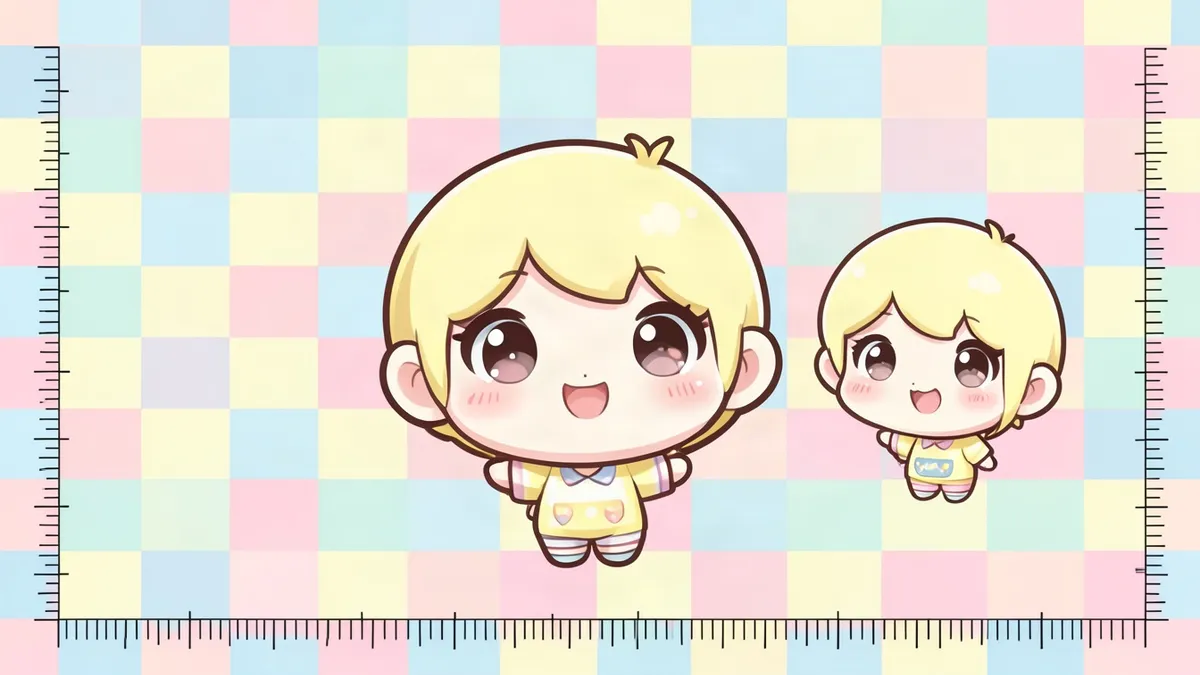
Twitch emotes use three sizes: 28, 56 and 112 pixels, all square. You can upload one PNG between 112 and 4096 pixels and let Twitch resize it, or upload all three sizes yourself. The numbers below come from Twitch's help pages, which we read on November 3, 2026.
Twitch emote size chart
| What you upload | Format | Pixel size | File limit |
|---|---|---|---|
| Standard emote, auto-resize | 1 PNG | 112x112 to 4096x4096 | Under 1 MB |
| Standard emote, manual | 3 PNGs | 28x28, 56x56, 112x112 | Each under 100 KB |
| Animated emote, auto-resize | 1 GIF | 112x112 to 4096x4096 | 1 MB |
| Animated emote, manual | 3 GIFs | 28x28, 56x56, 112x112 | Each 512 KB |
| Easy Animate | 1 PNG | 112x112 to 4096x4096 | 1 MB |
| Subscriber badge, for comparison | 3 PNGs | 18x18, 36x36, 72x72 | 25 KB |
If another guide quotes 25 KB for emotes, compare it with this chart. On the Twitch pages we read, 25 KB is the badge limit.
Twitch's formatting page gives only the 1 MB cap for standard emotes. Its Subscriber Emote Guide adds the 100 KB limit per file in manual mode, so plan for the stricter number.
The byte math behind the limits
We worked this out ourselves on November 3, 2026. A normal PNG pixel with transparency uses 4 bytes: red, green, blue and alpha. Multiply that by the pixel count and you get the most a file holds before compression, leaving aside a little file overhead.
| Size | Pixels | Bytes before compression | Limit |
|---|---|---|---|
| 28x28 | 784 | 3,136 | 100 KB |
| 56x56 | 3,136 | 12,544 | 100 KB |
| 112x112 | 12,544 | 50,176 | 100 KB |
| 500x500 | 250,000 | 1,000,000 | 1 MB |
| 1024x1024 | 1,048,576 | 4,194,304 | 1 MB |
| 4096x4096 | 16,777,216 | 67,108,864 | 1 MB |
Three things follow from this table.
- A normal 8-bit PNG at any manual size has room to spare. If your 112 pixel file goes over 100 KB, look for 16-bit color, which doubles the raw size to 100,352 bytes, or for embedded metadata.
- A square of about 500 pixels stays near the 1 MB line even with no compression at all. That makes it a comfortable size to export for auto-resize.
- The 4096 pixel ceiling needs roughly 67 to 1 compression to fit. A big file has to be simple to get there, and flat color compresses better than noisy texture. It also gains you nothing at 28 pixels.
Which Twitch emote resizer to use
Twitch has a free resizer built into the upload form. It is the Auto-resize toggle, and it is on the Subscriber Emotes page in your dashboard. Most people searching for a separate emote resizer can start there.
| Your situation | Use |
|---|---|
| Your art is simple and square | Auto-resize with one PNG |
| Auto-resized 28 pixel version looks muddy | Manual mode with three files |
| You want a different crop or thicker lines at 28 pixels | Manual mode with three files |
| Your art is a GIF | Auto-resize or manual, GIF limits apply |
| Your art is a still PNG and you want motion | Easy Animate |
Twitch describes manual mode as the option for when the automatic conversions are not to your liking. It does set one condition. All three files must be the same image, so you can clean up the small version but cannot swap in a different drawing.
How to resize an emote by hand
Any image editor that exports transparent PNGs can do this. These steps are our advice for manual mode, and Twitch does not prescribe them.
- Keep one master file at 500 pixels or more, and work on copies.
- If the art is not square, add transparent canvas until it is. Stretching changes the face.
- Crop tightly first. A character with empty space around it stays small at every size.
- Scale the master straight down to 112, then 56, then 28. Resizing a resized copy loses more detail.
- Export as PNG with transparency on, and look at each file at 100%.
The drop in size is steep. Going from 112 to 28 pixels divides each side by 4, so 16 old pixels become one new pixel. From a 4096 pixel master, each side shrinks by more than 146 times.
Twitch's own checks apply at this stage. It wants sharp lines with no unnecessary blurring or feathering, letters that are easy to read, and a fully transparent background. It also warns that too much detail or too many words will clutter an emote at 28 pixels. If the drawing itself falls apart when small, our character design tips cover shapes that survive.
What our emote maker exports
This section comes from reading our own code on November 3, 2026. We did not generate images or upload a file to Twitch.
The Emote Maker is not a general resizer. It has no box for uploading your own art, and it only resizes emotes it draws. Here is what you get for those.
- A per-emote menu with 112, 56, 28 and 128 pixel PNGs, plus the full size.
- A ZIP with folders named 112px, 56px, 28px and 128px, plus a text file with the character's profile.
- Every sized file is drawn onto an exact square, with the aspect ratio kept and transparency kept.
- Scaling uses the browser's high quality smoothing. There is no sharpening and no trimming of empty space.
The full size file is drawn at 1024x1024. That is about 4.2 MB before compression, and we did not measure the compressed size, so check it before using it for auto-resize. The 112 pixel file always fits. On Twitch you can skip the 128px folder, because the tool labels that size for Discord.
Using it needs a free account. Each emote costs 2 credits, and a new account gets 2 free credits, which covers one emote. If an emote fails, its credits come back.
Checks before you press upload
Size errors are easy to catch, so check these in order.
- Width and height match exactly, because Twitch requires a square.
- The file is PNG for a standard emote and GIF for an animated one.
- The background is transparent. Open it over a dark and a light layer to see leftover edges.
- A GIF has 60 frames or fewer and does not flash more than 3 times in a second.
- A static thumbnail for a GIF follows the standard emote rules. By default, Twitch uses the first frame.
Twitch reviews most uploads by hand, and the emote shows as Pending Approval until then. If it is rejected, the email gives a general reason, and you can change the design and resubmit.
Making a matching stream avatar as well? Our PNGTuber guide covers the frames you need, and the PNGTuber Maker draws them.
FAQ
What is the best size for a Twitch emote?
There is no single best size on Twitch's pages. For auto-resize, anything square from 112 to 4096 pixels under 1 MB is accepted. We suggest about 500 pixels, for the reason in the byte table above.
Do I need a Twitch emote resizer?
Often not. Twitch's Auto-resize toggle makes the 28, 56 and 112 pixel versions for free. You only need to resize by hand if the automatic small versions look wrong to you.
Can I upload just a 112 pixel PNG?
Yes. It is the smallest size auto-resize accepts. Keep it under 1 MB, which a normal 112 pixel PNG easily is.
Are the sizes different for animated emotes?
The pixel sizes are the same. The file limits differ: 1 MB for one GIF in auto-resize mode and 512 KB per GIF in manual mode. A GIF can have at most 60 frames.
Do emote files work as subscriber badges?
Not at these sizes. Twitch wants badges at 18, 36 and 72 pixels, each 25 KB or less. Our tool does not export those sizes, so you would need to resize the design in an image editor.
Sources
Last checked November 3, 2026.
- Emote Formatting & Instant Emote Upload Requirements, Twitch Help
- Subscriber Emote Guide, Twitch Help
- Animated Emotes, Twitch Help
- Subscriber Badge Guide, Twitch Help