Free VTuber models are real, and plenty of streamers start with one. The catch is that "free" describes the price, not the permissions. Every model was made by someone, and that person decides how it can be used. This guide covers the legitimate kinds of free VTuber models, what a customizable model is and the terms to read before you go live.
Free VTuber Models: Where They Come From and Usage Rules
November 1, 2026
A guide to free VTuber models: the legitimate kinds of sources, how customizable VTuber models work, and the usage terms to check before you stream.
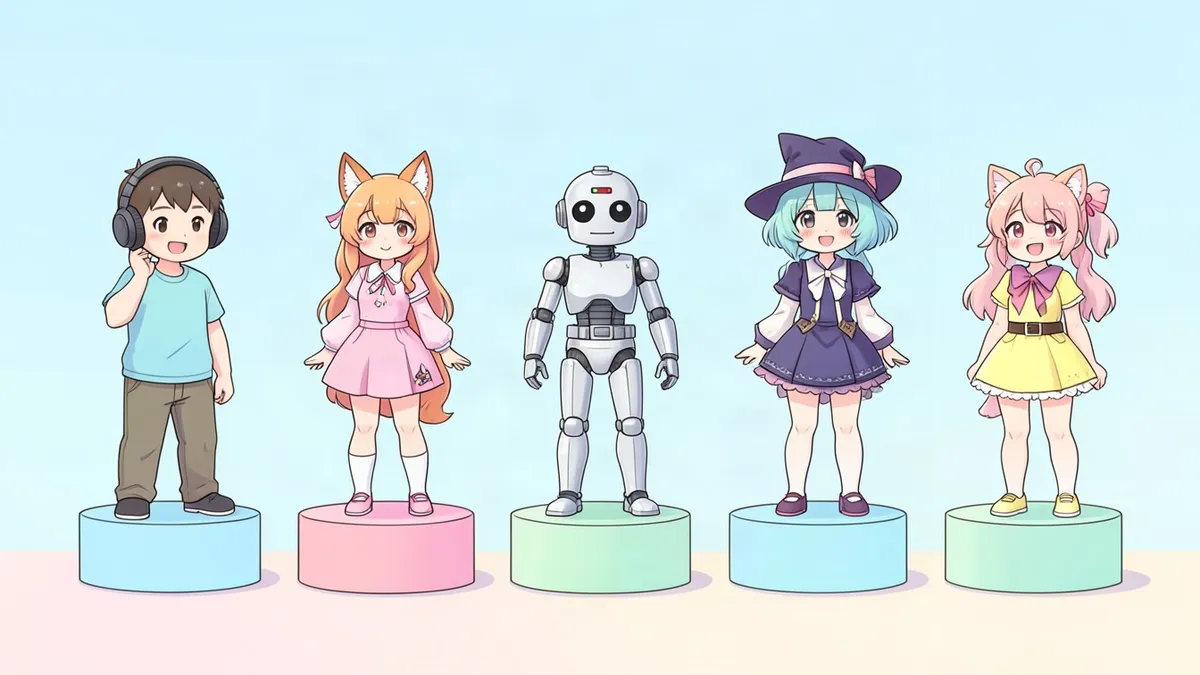
free vtuber models
free vtuber model
customizable vtuber model
vtuber model
The four kinds of free VTuber models
1. Models you make in a free avatar creator
This is the safest route. VRoid Studio is a free app where you build a 3D character with sliders and presets, then export it as a VRM file. Because you made it, nobody else is streaming with the same one. The app's own terms still apply to its preset parts, so read them once.
2. Sample models bundled with software
Rigging and tracking programs often ship with sample characters so you can try the software. They're handy for testing your webcam and your stream layout. They usually come with their own license, so read it before you stream with one. Thousands of other people have the same character, too.
3. Models that artists release for free
Some model artists and riggers give away finished models to build a following or to celebrate a milestone. You'll find them on artist marketplaces, model-sharing hubs and the artist's own pages. Each one has a terms file or a description that lists what you may do. Common labels are "free to use" or "F2U."
4. Free customizable bases
A customizable VTuber model is a template built to be changed. Depending on the model, you can swap hair styles, recolor eyes and clothing, turn accessories on and off or pick between a few body types. Some are free, some are paid and some have a free version with a paid upgrade. They sit between a sample model and a custom one: quick to set up, but with a recognizable base that other people use as well.
What to check before you use a free model
Read the terms before you download, not after your debut. Look for these points:
- Commercial use. Monetized streams, donations and subscriptions usually count as commercial. Some free models allow streaming only without earnings.
- Credit. Many artists ask for their name in your channel description or a panel.
- Editing. Are you allowed to recolor it, change the hair or add accessories? Some terms forbid any edits.
- Redistribution. Almost every free model forbids re-uploading or sharing the files, even edited ones.
- Content limits. Artists often ban use in hateful, political or adult content.
- Claiming it as yours. You can use the model. You can't say you designed it.
VRM files can carry license details inside the file itself, including who may use the avatar and whether commercial use is allowed. Many 3D apps show that information when you load the model. Check it, and check the download page as well, because the page may be more up to date.
If the terms are missing, unclear or only in a language you can't read, ask the artist. No answer means no permission.
Red flags
- A "free download" of a model that the artist sells on their own page
- Characters ripped from games or anime and converted to an avatar format
- No named creator and no terms at all
Using one can get your videos taken down, and it hurts the artists behind this hobby.
Downsides of a free model
- You won't be unique. Viewers may recognize the model from other channels.
- You can't always fix it. If the mouth tracking is off, you may not have the right, or the source files, to repair it.
- Terms can limit growth. A model that forbids earnings becomes a problem the day your channel qualifies for monetization.
None of that matters much for a trial run. It matters a lot for a channel you plan to keep.
How to make a free model feel like yours
Where the terms allow edits:
- Recolor the hair, eyes and outfit to your own palette
- Add one signature accessory
- Pair it with your own logo, overlay and emotes so the channel has an identity beyond the model
Free alternatives that are fully yours
Two routes give you an original character on no budget:
- Draw or generate your own design. The VTuber Maker creates an original character design with a color palette. New accounts get free credits to try it. It produces artwork, not a rigged model, so use it as channel art or as the brief for a model later.
- Start as a PNGTuber. A PNGTuber needs only a few images, not a rig. The PNGTuber Maker makes a matching set of talking and expression frames, and how to make a PNGTuber covers the setup.
When you're ready for a model of your own, read how to make a VTuber model or the VTuber model guide on commissions.
FAQ
Where can I get a free VTuber model?
Make one in a free avatar creator such as VRoid Studio, use a sample model that comes with tracking software, or download a model an artist has released as free to use. Always read the usage terms.
Can I make money streaming with a free VTuber model?
Only if its terms allow commercial use. Some free models allow monetized streams, some require credit and some forbid earnings entirely. Check before you turn on donations or subscriptions.
What is a customizable VTuber model?
It's a template model with built-in options, such as several hairstyles, recolorable eyes and clothes, and accessories you can switch on and off. It's faster than a custom model but shares a base with other users.
Are free 2D VTuber models as good as paid ones?
Some are well made, but a free 2D model usually has fewer expressions, a smaller head-turn range and no option for changes. A paid custom model is built around your character and your requests.
Related Posts
Oct 23, 2026
VTuber Model Guide: 2D vs 3D, Parts and Ways to Get One
What a VTuber model is, how 2D and 3D VTuber models differ, the parts inside one (art, rig, expressions, toggles) and the main ways to get your own.
Oct 31, 2026
How to Make a VTuber Model: 2D and 3D, Step by Step
How to make a VTuber model yourself: design the character, pick 2D or 3D, prepare the art, rig it, test the tracking, and what each stage takes.
Oct 14, 2026
How to Draw a Face: Easy Step-by-Step Proportions
Learn how to draw a face step by step using standard proportions: eyes on the halfway line, the face in thirds, and where the nose, mouth and ears go.